


Page 64 - LIT-18626-15-22
P. 64
UF4P15E0.book Page 54 Wednesday, June 26, 2024 11:56 AM
Instrument operation
Changing the PIN (“PIN Settings”) To select the display language:
The PIN can be changed to any 4-digit num- Select the desired language, and then push
ber. the “OK” button of the touchpad control.
Selecting the display units (“Unit”)
The following display units can be selected
for the display units of the multifunction infor-
mation center.
“US Unit”: Distances are shown in miles,
speeds are shown in MPH, and fuel
amounts are shown in gallons.
“Metric”: Distances are shown in kilome-
ters, speeds are shown in km/h, and fuel
amounts are shown in liters.
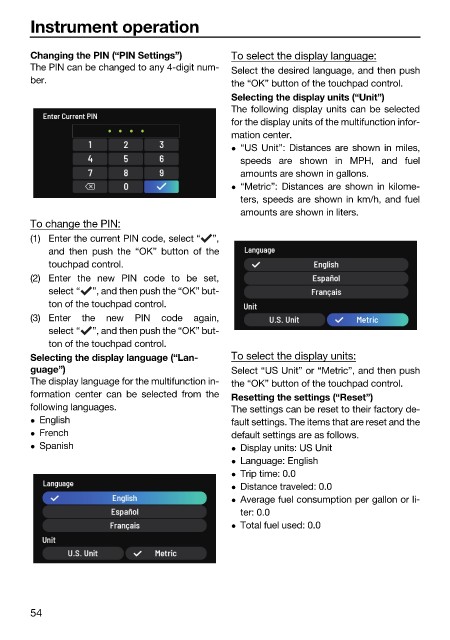
To change the PIN:
(1) Enter the current PIN code, select “ ”,
and then push the “OK” button of the
touchpad control.
(2) Enter the new PIN code to be set,
select “ ”, and then push the “OK” but-
ton of the touchpad control.
(3) Enter the new PIN code again,
select “ ”, and then push the “OK” but-
ton of the touchpad control.
Selecting the display language (“Lan- To select the display units:
guage”) Select “US Unit” or “Metric”, and then push
The display language for the multifunction in- the “OK” button of the touchpad control.
formation center can be selected from the Resetting the settings (“Reset”)
following languages. The settings can be reset to their factory de-
English fault settings. The items that are reset and the
French default settings are as follows.
Spanish Display units: US Unit
Language: English
Trip time: 0.0
Distance traveled: 0.0
Average fuel consumption per gallon or li-
ter: 0.0
Total fuel used: 0.0
54

