


Page 72 - LIT-18626-13-38
P. 72
UF3X13E0.book Page 63 Tuesday, September 28, 2021 12:57 PM
Instrument operation
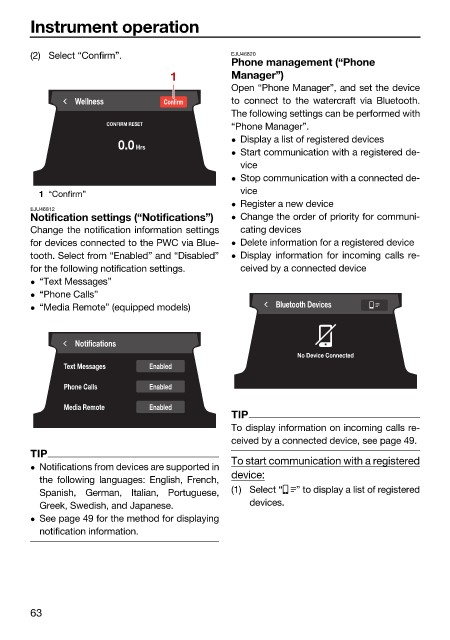
(2) Select “Confirm”. EJU46820
Phone management (“Phone
1 Manager”)
Open “Phone Manager”, and set the device
Wellness Confirm to connect to the watercraft via Bluetooth.
The following settings can be performed with
“Phone Manager”.
CONFIRM RESET
Display a list of registered devices
0.0 Hrs
Start communication with a registered de-
vice
Stop communication with a connected de-
vice
1 “Confirm”
Register a new device
EJU46812
Notification settings (“Notifications”) Change the order of priority for communi-
Change the notification information settings cating devices
for devices connected to the PWC via Blue- Delete information for a registered device
tooth. Select from “Enabled” and “Disabled” Display information for incoming calls re-
for the following notification settings. ceived by a connected device
“Text Messages”
“Phone Calls”
“Media Remote” (equipped models) Bluetooth Devices
Notifications
No Device Connected
Text Messages Enabled
Phone Calls Enabled
Media Remote Enabled
TIP
To display information on incoming calls re-
ceived by a connected device, see page 49.
TIP
To start communication with a registered
Notifications from devices are supported in
device:
the following languages: English, French,
Spanish, German, Italian, Portuguese, (1) Select “ ” to display a list of registered
Greek, Swedish, and Japanese. devices.
See page 49 for the method for displaying
notification information.
63

