


Page 74 - LIT-18626-15-20
P. 74
UF3X16E0.book Page 62 Wednesday, July 17, 2024 9:11 AM
Instrument operation
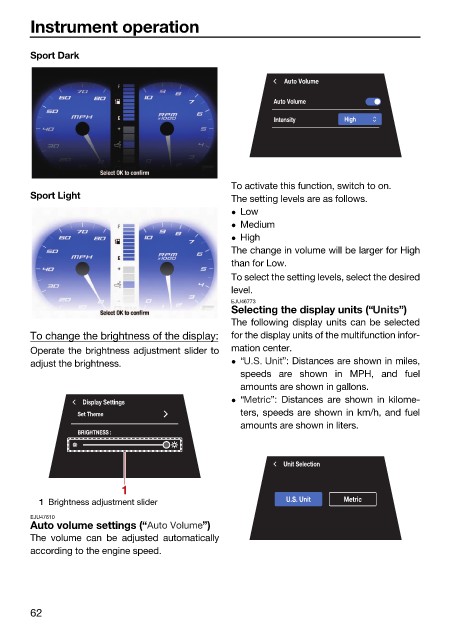
Sport Dark
Auto Volume
Auto Volume
Intensity High
To activate this function, switch to on.
Sport Light The setting levels are as follows.
Low
Medium
High
The change in volume will be larger for High
than for Low.
To select the setting levels, select the desired
level.
EJU46773
Selecting the display units (“ ”)
The following display units can be selected
To change the brightness of the display: for the display units of the multifunction infor-
Operate the brightness adjustment slider to mation center.
adjust the brightness. “ ”: Distances are shown in miles,
speeds are shown in MPH, and fuel
amounts are shown in gallons.
“ ”: Distances are shown in kilome-
Display Settings
Set Theme ters, speeds are shown in km/h, and fuel
amounts are shown in liters.
BRIGHTNESS :
Unit Selection
1
1 Brightness adjustment slider U.S. Unit Metric
EJU47610
Auto volume settings (“ ”)
The volume can be adjusted automatically
according to the engine speed.
62

