Page 73 - LIT-18626-14-58
P. 73

UF7K10E0.book  Page 64  Thursday, July 13, 2023  5:40 PM


                                                                 Instrument operation


                                                              TIP
                                                               A pairing request is sent to the device, and
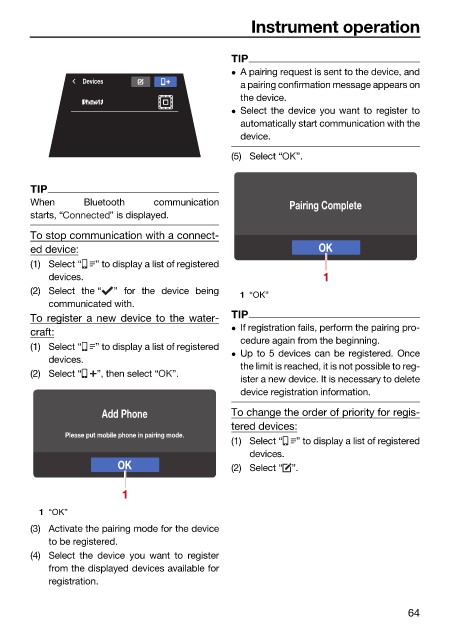
                                  Devices
                                                               a pairing confirmation message appears on
                                                               the device.
                                                               Select the device you want to register to
                                                               automatically start communication with the
                                                               device.
                                                              (5) Select “  ”.


                        TIP
                        When      Bluetooth    communication            Pairing Complete
                        starts, “      ” is displayed.
                        To stop communication with a connect-
                        ed device:                                            OK
                        (1) Select “  ” to display a list of registered
                            devices.                                           1
                        (2) Select the “  ” for the device being  1 “OK”
                            communicated with.
                        To register a new device to the water-  TIP
                                                               If registration fails, perform the pairing pro-
                        craft:
                                                               cedure again from the beginning.
                        (1) Select “  ” to display a list of registered
                                                               Up to 5 devices can be registered. Once
                            devices.
                                                               the limit is reached, it is not possible to reg-
                        (2) Select “  ”, then select “  ”.
                                                               ister a new device. It is necessary to delete
                                                               device registration information.
                                      Add Phone               To change the order of priority for regis-
                                                              tered devices:
                               Please put mobile phone in pairing mode.
                                                              (1) Select “  ” to display a list of registered
                                                                 devices.
                                         OK                   (2) Select “ ”.

                                         1

                          1 “OK”
                        (3) Activate the pairing mode for the device
                            to be registered.
                        (4) Select the device you want to  register
                            from the displayed devices available for
                            registration.

                                                                                               64
   68   69   70   71   72   73   74   75   76   77   78